How to Clean Your Smartphone Screen Without Damaging It
by Abdulrasaq • Quick Tutorials
I once damaged the oleophobic coating on my phone because I cleaned it with the wrong product. It looked clean at first, but a few weeks later the screen became permanently smudgy and rough. That experience made me very intentional about how I clean my devices. After testing different methods and confirming recommendations from Apple Support and Samsung, and the this simple method proved to be the safest and most effective way to clean a smartphone screen without damaging it.
The key idea is simple: start dry to remove grit, use only approved cleaners, and never apply liquid directly onto the phone. This avoids scratches, streaks, and moisture damage-while keeping the oleophobic coating intact.
What You’ll Need (Approved by Experts)
- Microfiber cloth: Soft, lint-free, and dedicated to screens.
- Distilled water: Leaves no mineral streaks.
- 70% isopropyl alcohol (optional): Safe for disinfecting according to Apple and Samsung.
- Cotton swabs: For edges, bezels, and camera areas.
Step 1 - Power Down & Unplug
- Turn off your phone and unplug cables. Remove the case and set it aside.
- A dark screen makes smudges easier to see and prevents accidental taps.
Step 2 - Dry Wipe First (No Liquids Yet)
This protects the glass and coating from accidental scratches.
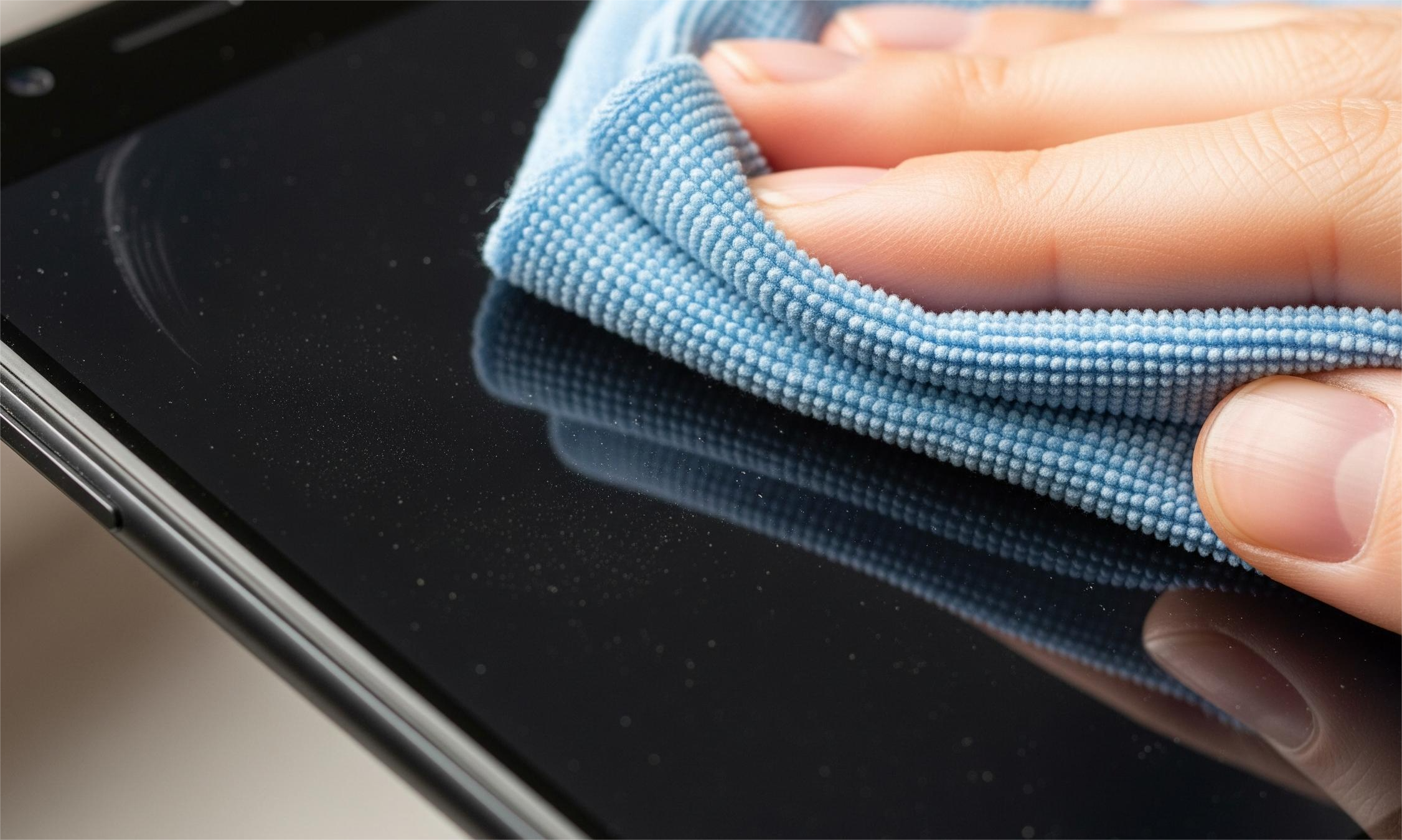
- Use a clean microfiber cloth to gently remove dust and loose particles.
- If you see sand or grit, lift it off instead of rubbing-this prevents micro-scratches.
Step 3 - Add Light Moisture (On the Cloth Only)
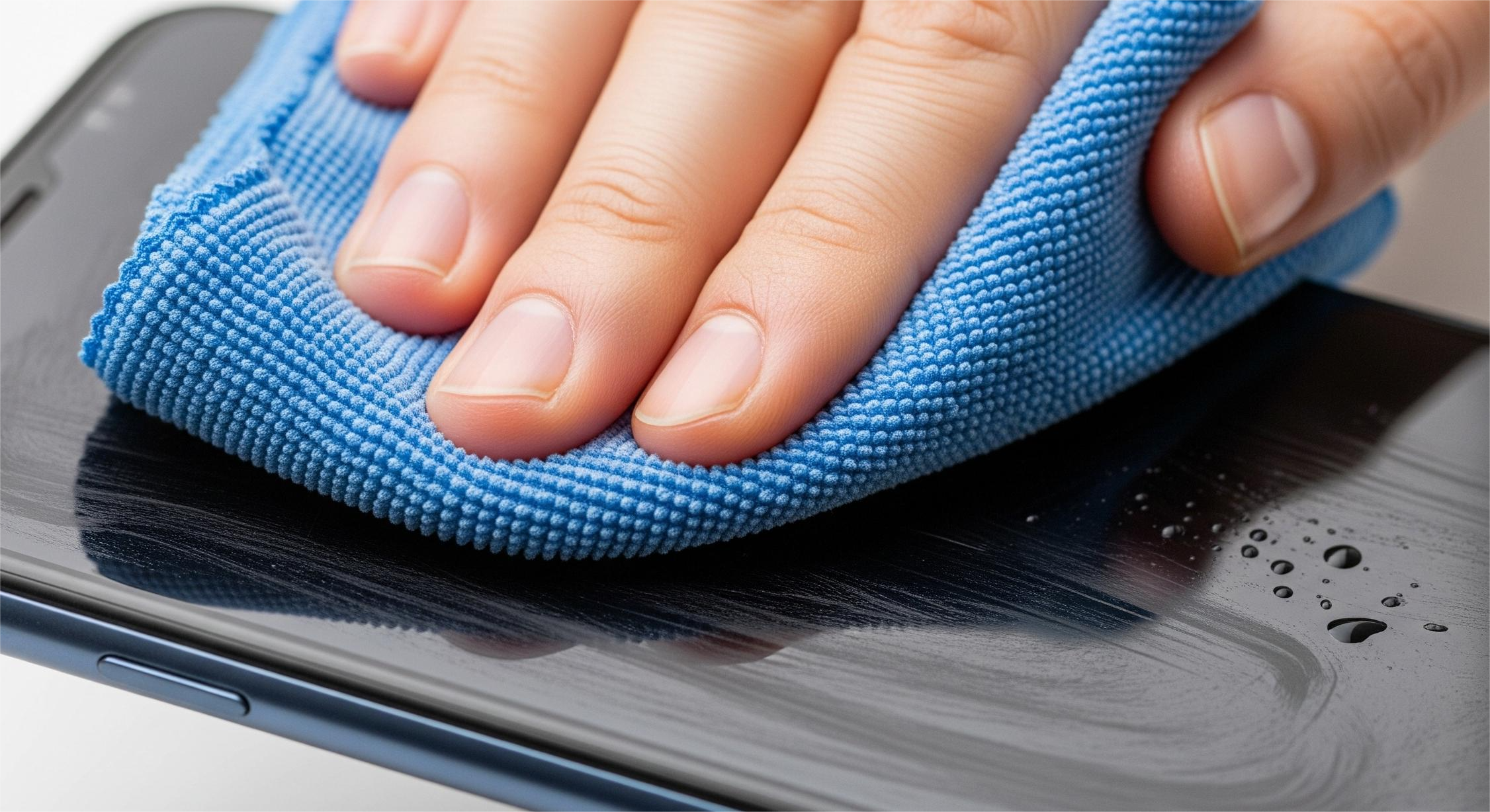
- Lightly dampen a corner of the cloth with distilled water or 70% isopropyl alcohol.
- Wipe the screen using slow, overlapping strokes.
- Use a dry section of the cloth to buff away streaks.
- Avoid bleach, ammonia, Windex, vinegar, or unapproved cleaners.
Step 4 - Clean Edges, Speaker & Cameras
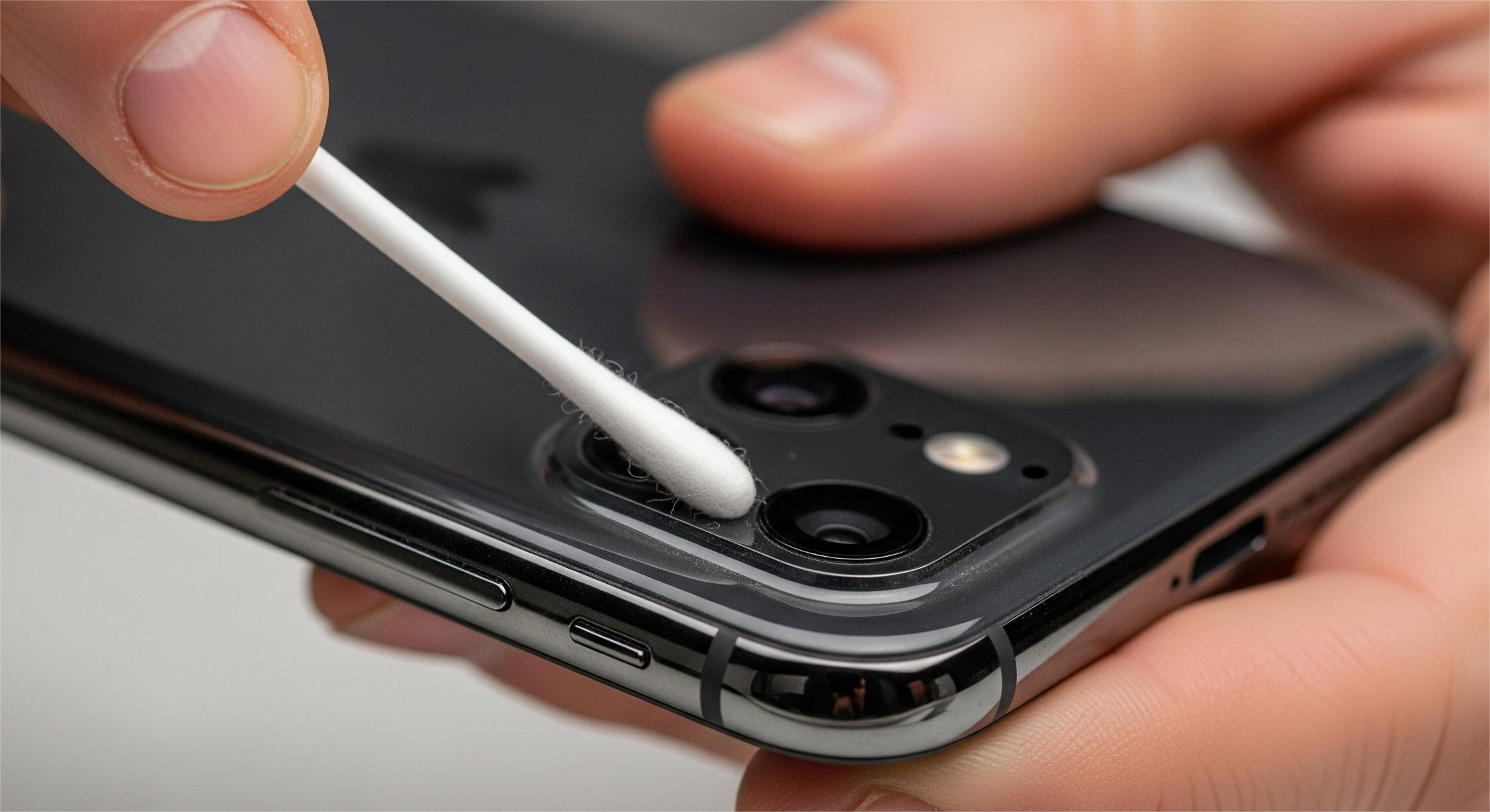
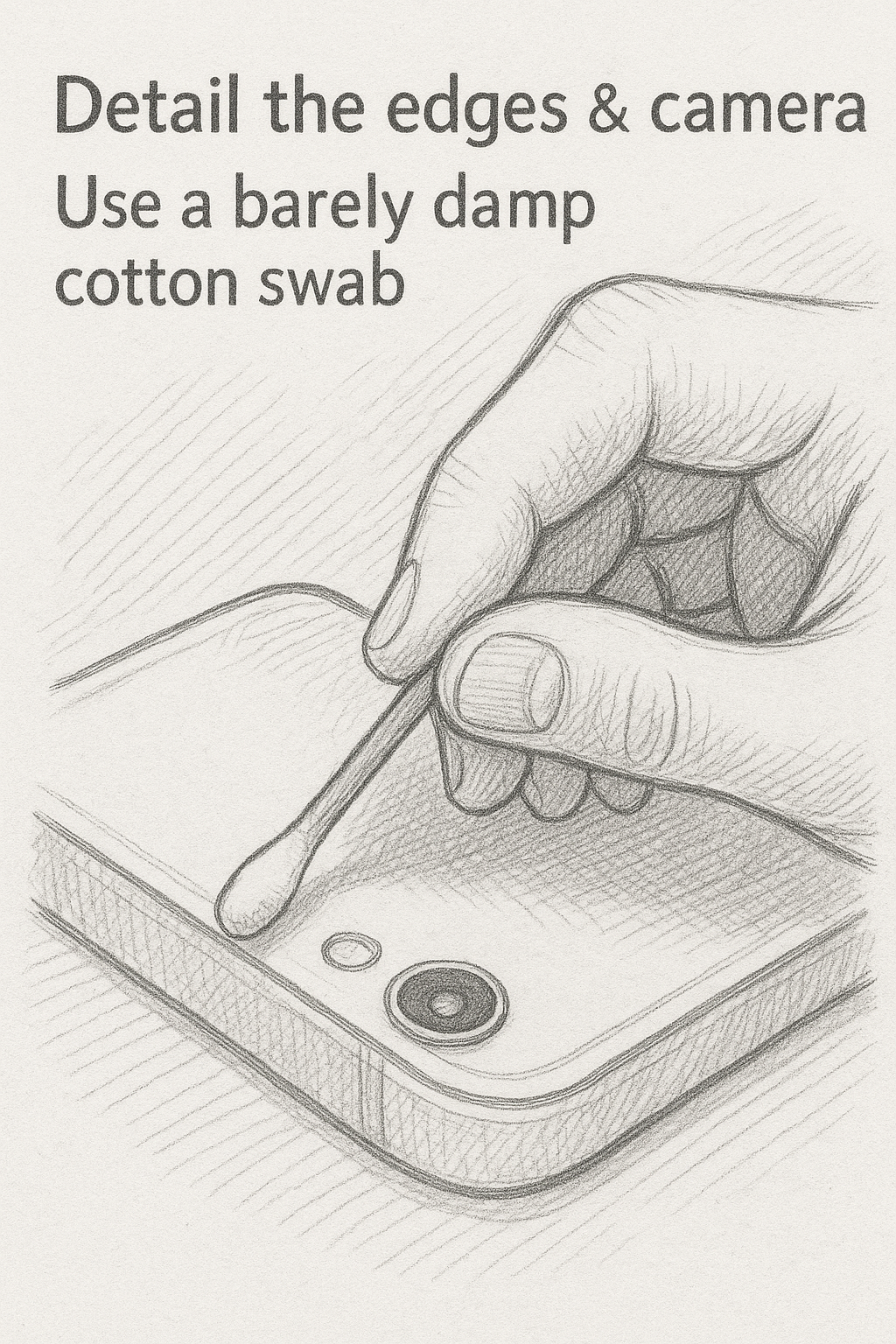
- Use a barely damp cotton swab around the earpiece, bezel, and camera lens.
- Follow with a dry swab to remove leftover moisture.
- For speaker grills, use a soft dry brush-never liquid.
Step 5 - Let It Air-Dry & Reassemble
- Allow 30–60 seconds for evaporation.
- Reinstall your case and power the device back on.
- If applying a screen protector, clean again just before installation.
Comparison: Safe vs Unsafe Screen Cleaners
| Cleaner | Safe? | Notes |
|---|---|---|
| Microfiber + distilled water | ✔ Safe | Recommended by Apple/Samsung |
| 70% isopropyl alcohol | ✔ Safe | Disinfects effectively |
| Bleach or ammonia cleaners | ✘ No | Damages coatings |
| Vinegar or window sprays | ✘ No | Can etch or strip screen layer |
| Paper towels/tissues | ✘ No | Scratch-prone fibers |
Real-World Case Studies
Case Study 1 - Scratched Screen From Paper Towels
Dayo cleaned his phone with kitchen paper towels for months. Under bright light, he later noticed micro-scratches all over the display. Switching to microfiber cloths prevented further damage and kept his replacement phone crystal clear.
Case Study 2 - Damaged Coating From Harsh Cleaners
Adaobi used household glass cleaner on her phone, causing the oleophobic layer to wear off. After researching Apple’s official guidelines, she switched to 70% alcohol wipes and distilled water-no more streaks or coating wear.
Case Study 3 - Moisture in Speaker Ports
Daniel sprayed water directly on his phone, causing muffled audio for days. He now follows the “cloth first” rule and uses a soft dry brush for his speaker grill.
What Not to Do (Common Mistakes)
- Don’t spray liquid directly on the phone-moisture can seep into ports and speakers.
- Don’t use tissues, paper towels, or clothing-they can scratch the screen.
- Avoid bleach, ammonia, vinegar, acetone, or cleaners above 70% alcohol.
- Don’t press too hard around the front camera-pressure can affect clarity.
Keep Your Screen Clean Longer
- Carry a microfiber cloth: A quick wipe once a day prevents buildup.
- Avoid excessive sanitizing: Heavy alcohol use wears down oleophobic layers.
- Clean your case too: Dust inside cases causes hidden scratches.
Final Thoughts
Cleaning your smartphone screen safely isn’t complicated-you just need the right method. Stick to approved materials, keep liquids away from ports, and follow the “dry first, damp second” technique. If you’ve had issues with scratches, streaks, or coating damage, try the steps above and see the difference. Feel free to share your results or tips-your experience might help someone else protect their device.